
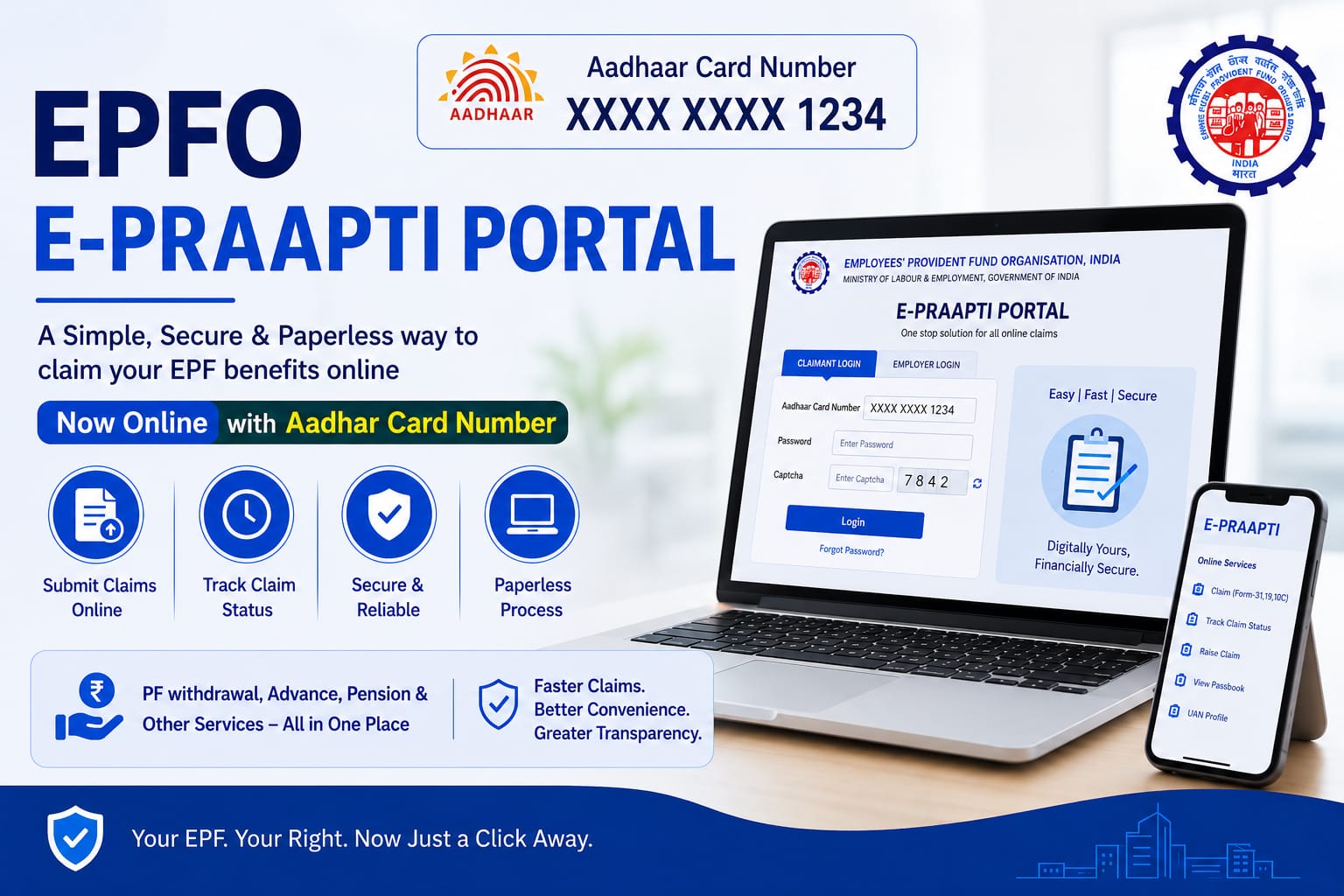
EPFO E-Praapti Portal: Track Your Old PF Accounts with Aadhaar
The Employees’ Provident Fund Organisation (EPFO) is a statutory body under India’s Ministry of Labour and Employment. It manages the social security, retirement savings, and insurance for organized sector workers in India. Over time, many employees change jobs, resulting in multiple Provident Fund (PF) accounts. Tracking old PF accounts can be challenging, especially if you’ve lost account details. Fortunately, the EPFO E-Praapti Portal makes this task simple and hassle-free, allowing you to track your old PF accounts using just your Aadhaar number.
In this article, we will explore the EPFO E-Praapti Portal, its features, how to use it, and tips to ensure smooth tracking of your old PF accounts.
What is the EPFO E-Praapti Portal?
The EPFO E-Praapti Portal is an online platform introduced by the Employees’ Provident Fund Organisation to help employees locate and manage their old PF accounts. Unlike other EPFO services, this portal primarily focuses on linking multiple PF accounts to your Aadhaar number, making it easier to track and consolidate accounts.
This portal is especially useful for:
- Employees who have switched jobs multiple times.
- Individuals who have forgotten their PF account numbers.
- People looking to withdraw or transfer PF balances from old accounts.
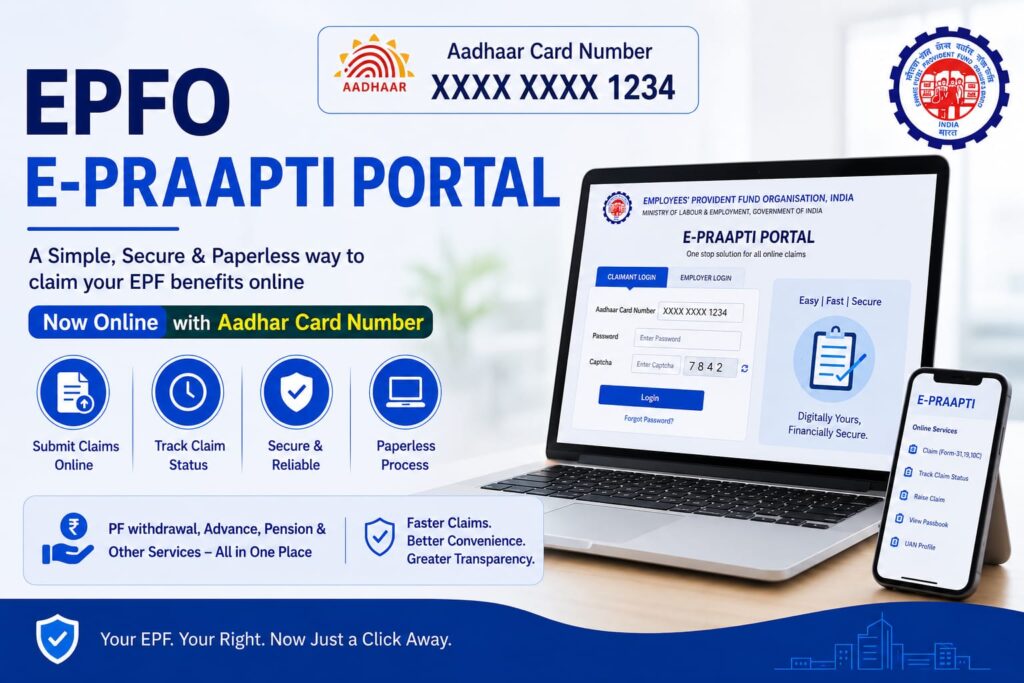
Key Features of the E-Praapti Portal
The EPFO E-Praapti Portal offers a range of user-friendly features:
- Track Old PF Accounts:
Enter your Aadhaar number, and the portal displays all PF accounts linked to that Aadhaar. - Check PF Balance and Status:
View the balance and the current status of your old accounts without needing the PF number. - Download PF Account Details:
You can download account statements for your records, which helps in tax planning and retirement calculations. - Account Consolidation:
Once you identify old PF accounts, you can initiate the process of merging them with your current PF account to streamline your retirement savings. - Easy Access Anywhere, Anytime:
The portal is completely online and mobile-friendly, so you can check your PF accounts from home or on the go.
How to Track Your Old PF Account Using Aadhaar
Tracking your PF accounts using the E-Praapti Portal is simple. Follow these step-by-step instructions:
- Visit the E-Praapti Portal:
Go to the official EPFO E-Praapti Portal: https://eprapti.epfindia.gov.in - Select ‘Know Your EPF Account’:
On the homepage, you will find an option to track your PF accounts using your Aadhaar number. Click on it. - Enter Your Aadhaar Number:
Enter your 12-digit Aadhaar number, then click Submit. - Verify OTP:
An OTP (One-Time Password) will be sent to the mobile number registered with your Aadhaar. Enter the OTP to proceed. - View Old PF Accounts:
After verification, the portal will display all PF accounts linked with your Aadhaar, along with basic details like employer name, account number, and status. - Download or Save Records:
You can download the list for your personal records or use it to initiate transfers or withdrawals.
Benefits of Using the E-Praapti Portal
- Convenience: No need to remember old PF numbers or visit EPFO offices.
- Time-saving: Instantly retrieves multiple old PF accounts.
- Transparency: Provides clear details of PF balances and account status.
- Facilitates PF Transfer/Withdrawal: Knowing all accounts helps ensure a smooth transfer or withdrawal.
Important Tips for Using E-Praapti
- Ensure Aadhaar is Linked with PF:
Only PF accounts linked to your Aadhaar will show up. If an old account isn’t linked, you may need to update it via your employer. - Keep Mobile Number Updated:
OTP verification requires the mobile number registered with Aadhaar. - Check for Mismatched Details:
Ensure your name, date of birth, and Aadhaar number match exactly in EPFO records. Even small discrepancies can prevent retrieval. - Consolidate Accounts:
If you find multiple old PF accounts, consider transferring them to your current PF account for better management and interest accumulation.
Conclusion
The EPFO E-Praapti Portal is a revolutionary tool for employees who struggle to track their old PF accounts. By simply using your Aadhaar number, you can quickly access your past PF accounts, view balances, and plan your retirement more efficiently. This digital initiative by EPFO ensures transparency, convenience, and better management of your hard-earned savings.
Whether you’ve switched jobs several times or are looking to consolidate old PF balances, the E-Praapti Portal is your go-to solution. Don’t let your old PF accounts get lost in the paperwork—track them today and take control of your retirement planning.
Frequently Asked Questions (FAQs) About EPFO E-Praapti Portal
1. What is the EPFO E-Praapti Portal?
The EPFO E-Praapti Portal is an online platform launched by the Employees’ Provident Fund Organisation (EPFO) to help employees trace and manage their old or inactive PF accounts using Aadhaar and other details.
2. Who can use the E-Praapti Portal?
Any EPF member whose Aadhaar number is linked with their PF account can use the portal to locate old PF accounts and access related details.
3. Is Aadhaar mandatory to use the E-Praapti Portal?
Yes, Aadhaar is generally required because the portal identifies PF accounts linked to your Aadhaar number. Your mobile number should also be linked with Aadhaar for OTP verification.
4. Can I track multiple PF accounts through the portal?
Yes. If you have worked in multiple companies and all your PF accounts are linked with the same Aadhaar number, the portal can display all associated PF accounts.
5. What details are required to track old PF accounts?
Typically, you need:
- Aadhaar Number
- Mobile number linked with Aadhaar
- OTP verification
6. How does the E-Praapti Portal help employees?
The portal helps employees:
- Find forgotten PF accounts
- Check old PF balances
- Identify inactive PF accounts
- Transfer or consolidate PF accounts easily
7. Can I withdraw PF directly through the E-Praapti Portal?
No, the portal mainly helps in identifying and tracking PF accounts. For withdrawal, transfer, or claim settlement, users need to use the EPFO Unified Member Portal.
8. What should I do if my old PF account is not visible?
If your old PF account does not appear:
- Ensure Aadhaar is linked with the PF account
- Verify your personal details match EPFO records
- Contact your previous employer or EPFO office for correction
9. Is the E-Praapti Portal free to use?
Yes, the EPFO E-Praapti Portal is completely free for all EPF members.
10. Can pensioners use the E-Praapti Portal?
The portal is mainly designed for EPF members to trace PF accounts. Pension-related services are generally handled through separate EPFO pension services.
11. Is it safe to use the E-Praapti Portal?
Yes, the portal is managed by EPFO and uses OTP-based verification to ensure the security and privacy of user information.
12. Can I merge multiple PF accounts after locating them?
Yes. Once you identify old PF accounts, you can transfer and merge them into your current PF account through the EPFO Unified Portal.
13. What happens to inactive PF accounts?
Inactive PF accounts continue earning interest for a specified period as per EPFO rules. However, it is advisable to transfer or withdraw old accounts to avoid complications later.
14. Can I access the E-Praapti Portal on mobile?
Yes, the portal is mobile-friendly and can be accessed through smartphones, tablets, and desktops.
15. What should I do if the OTP is not received?
If you do not receive the OTP:
- Check your mobile network
- Ensure the mobile number is linked with Aadhaar
- Retry after a few minutes
- Verify that your Aadhaar details are updated correctly
16. What is the benefit of consolidating PF accounts?
Consolidating PF accounts helps:
- Simplify account management
- Avoid loss of old PF details
- Earn continuous interest
- Make withdrawals easier during retirement or emergencies
17. Can I check PF balance without a UAN using the E-Praapti Portal?
Yes, if your Aadhaar is linked with the PF account, you may be able to identify old accounts even without remembering the UAN or PF number.
18. Does the portal work for exempted PF trusts?
Some exempted PF trusts may not display complete information on the portal. In such cases, employees may need to contact their employer directly
19. What is UAN in EPFO?
The Universal Account Number (UAN) is a unique 12-digit number allotted by EPFO to every employee. It helps link multiple PF accounts under one identity.
20. Why should employees regularly check old PF accounts?
Regular checks help employees:
Avoid losing track of retirement savings
Detect errors in PF records
Ensure old balances are transferred properly
Readers will also like to read blogs on the following topics
3. Basics of the Future and options
4. PE Ratio
6. Bull vs Bear Phase in the Stock Market
7. XIRR vs CAGR vs Absolute Return
8. Home